-
-
Panchkula, Haryana, India

Call Anytime
+91 8360502087
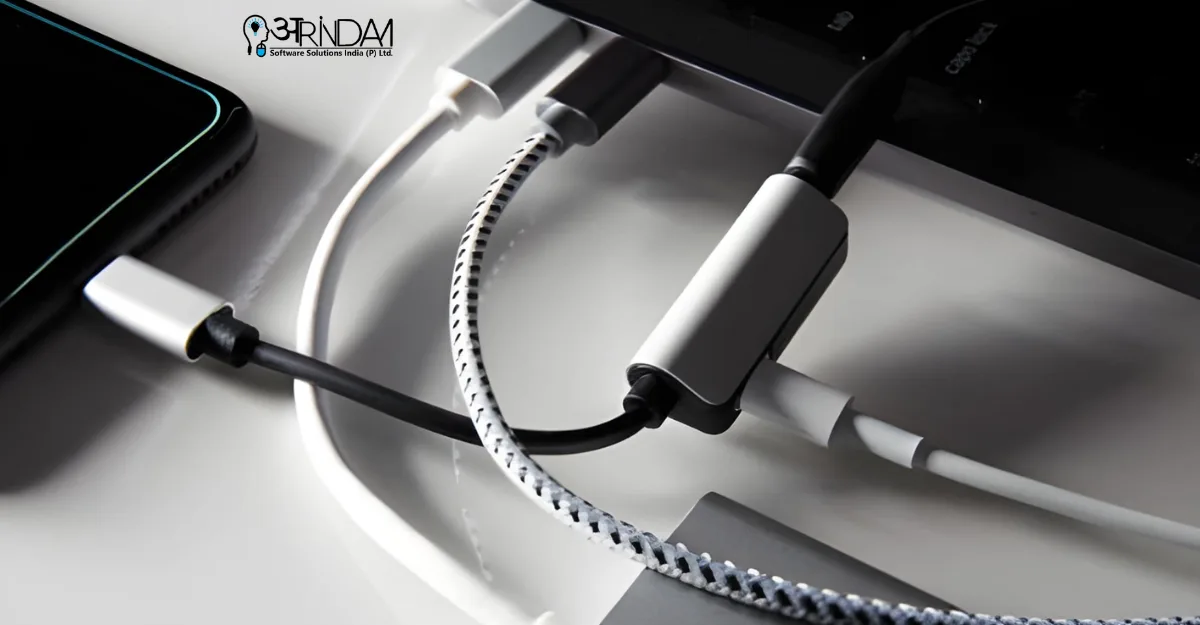
Best USB-C Hubs for Laptops: A Complete Buying Guide in 2026
Modern laptops are becoming slimmer and more powerful, but there’s one compromise users face every day—fewer ports. Many laptops now come with just one or two USB-C ports, making it difficult to connect external displays, storage devices, keyboards, mice, and more at the same time. This is where USB-C hubs play a crucial role.
In this detailed guide by arindam india, we explore the Best USB-C hubs for laptops, key features to look for, and how to choose the right hub for your needs.
Why USB-C Hubs Are Essential for Modern Laptops
USB-C hubs act as an all-in-one solution that expands a single USB-C port into multiple connections. Whether you’re a student, professional, content creator, or gamer, a USB-C hub can dramatically improve productivity.
Key benefits include:
- Connecting multiple devices simultaneously
- Supporting external monitors
- Fast data transfer speeds
- Power delivery while working
With remote work and hybrid setups becoming the norm, investing in one of the Best USB-C hubs for laptops is no longer optional—it’s essential.
Key Features to Look for in a USB-C Hub
Before choosing a hub, it’s important to understand what features matter most.
1. Number and Type of Ports
Look for hubs that offer:
- USB-A ports (for older devices)
- USB-C ports
- HDMI or DisplayPort
- SD/microSD card readers
- Ethernet port (for stable internet)
The more versatile the hub, the better value it provides.
2. Power Delivery (PD)
A good USB-C hub should support Power Delivery, allowing you to charge your laptop while using other ports. Most high-quality hubs support 60W–100W PD.
3. Display Support
If you use external monitors, ensure the hub supports:
- 4K at 60Hz (preferred)
- Dual display support (for advanced users)
This feature is especially important when choosing among the Best USB-C hubs for laptops for office or creative work.
4. Build Quality and Portability
Aluminum or metal-finished hubs are more durable and help with heat dissipation. Compact and lightweight hubs are ideal for travel.
Best USB-C Hubs for Laptops: Top Categories
Instead of focusing on brands alone, let’s explore the best hubs by use case, as recommended by arindam india.
1. Best USB-C Hub for Everyday Office Use
These hubs usually include:
- 2–3 USB-A ports
- HDMI (up to 4K)
- USB-C PD charging
They are perfect for emails, spreadsheets, presentations, and general multitasking.
2. Best USB-C Hub for Content Creators
Content creators need:
- High-speed data transfer
- SD and microSD card readers
- Dual display support
If you work with photos or videos, choose hubs that support USB 3.2 or Thunderbolt compatibility.
3. Best USB-C Hub for Students
Students benefit from:
- Affordable pricing
- Lightweight design
- Basic connectivity
These hubs are ideal for online classes, assignments, and project work.
4. Best USB-C Hub for Gaming and Power Users
Gamers and advanced users should look for:
- Ethernet port for low latency
- Multiple USB ports
- Strong power delivery
Among the Best USB-C hubs for laptops, these hubs offer the most performance-oriented features.
Compatibility: What You Must Check Before Buying
Not all USB-C hubs work the same way with every laptop. Before purchasing, check:
- Operating system compatibility (Windows, macOS, Linux)
- Thunderbolt vs USB-C support
- Laptop power requirements
- Display output limitations
Even the Best USB-C hubs for laptops won’t perform well if your laptop doesn’t support certain features.
Common Mistakes to Avoid When Buying USB-C Hubs
At arindam india, we often see users make these mistakes:
- Buying cheap, uncertified hubs
- Ignoring power delivery limits
- Not checking monitor resolution support
- Overlooking heat management
- Choosing bulky hubs for travel use
Avoiding these mistakes ensures long-term reliability and better performance.
Are Expensive USB-C Hubs Worth It?
Higher-priced hubs usually offer:
- Better build quality
- Stable performance
- Advanced display support
- Longer lifespan
However, not everyone needs premium features. The Best USB-C hubs for laptops are those that match your specific needs, not necessarily the most expensive ones.
Final Thoughts
USB-C hubs have become an indispensable accessory for modern laptops. Whether you’re working from home, studying, traveling, or creating content, the right hub can significantly enhance your workflow.
This guide by arindam india aims to help you understand what makes a USB-C hub truly useful and how to choose wisely. By focusing on compatibility, features, and real-world use cases, you can confidently select from the Best USB-C hubs for laptops available today.
If you’re planning to upgrade your laptop setup in 2026, start with a reliable USB-C hub—it’s a small investment with a big impact.


Leave a Comment